Most of the work that wins a big deal happens before anyone designs a page. Deciding whether to bid at all. Mapping who'll read the proposal. Building a return the CFO can check. Planning the steps to signature. We do this work on every proposal we build, so we turned it into free proposal tools anyone can use. There are 11 of them on our resources page, and here's what each one is for.
Why we built free proposal tools
Our read is that most proposal problems start long before the writing. A team bids on an RFP it had no real shot at. A proposal goes out written for the champion, while the CFO decides. A great plan dies because nobody on the buyer's side knew the next step. The design can't fix any of that. The thinking has to be right first.
These tools are the thinking, laid out step by step. They're the same structures we use when we build a proposal for a client, simplified so a sales or bid team can run them on their own.
Two choices shaped how we built them. First, they live on our site, and your work saves in your browser, so you can close the tab and pick up where you left off tomorrow. Second, nothing you type is sent to us. You'll be entering pricing, buyer names and deal details, and that should stay on your computer. There's no sign-up and no email form.
Before you bid
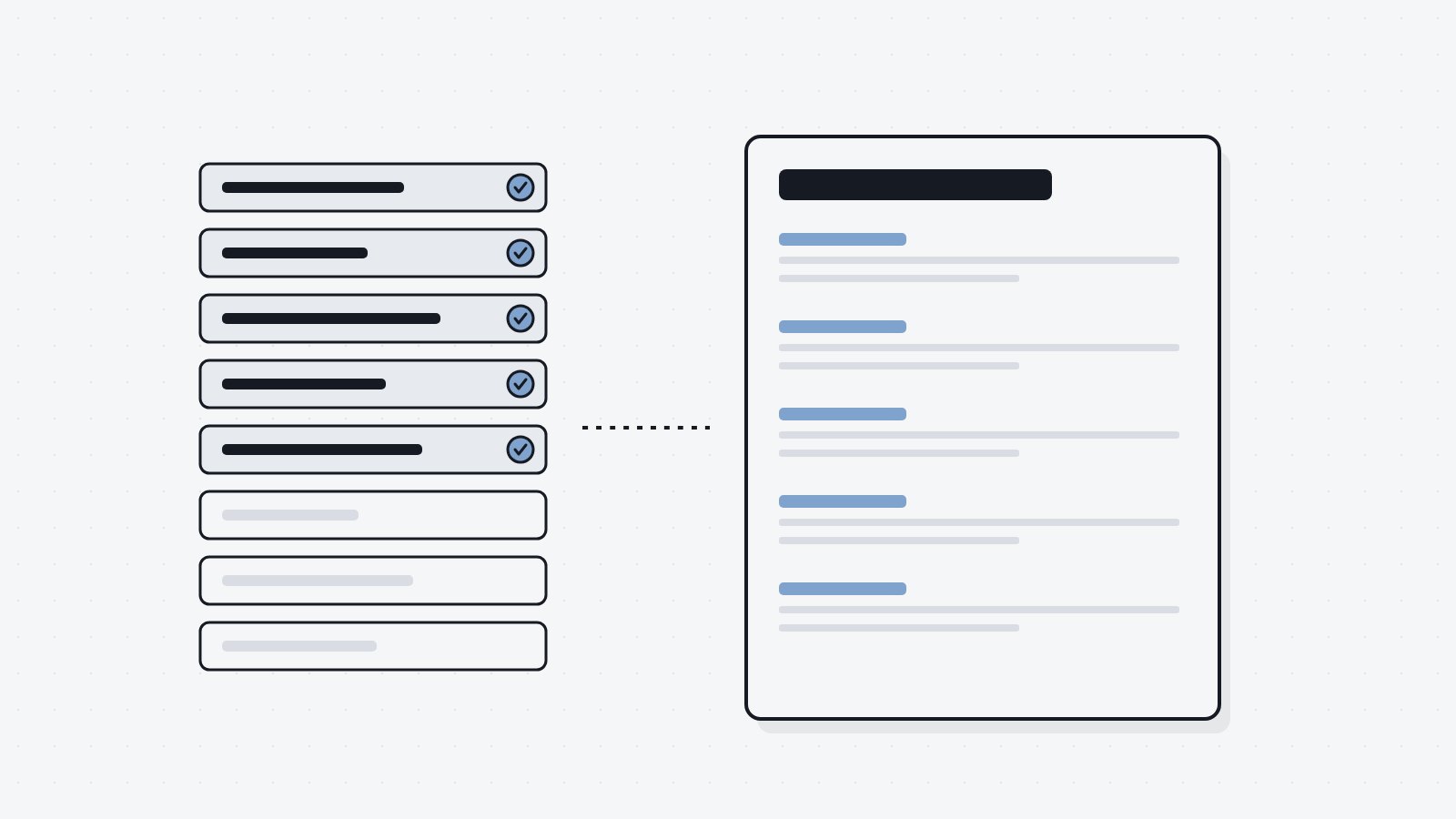
Bid/No-Bid Scorecard. Score an opportunity on fit, relationship, competition, capacity and risk, and get a clear recommendation. Deal breakers come first, so a missing certification stops you before you waste two weeks.
RFP Timeline Planner. Enter the release date and the due date, and the planner works backward to give every phase its dates. Download the milestones straight into your team's calendar.
RFP Compliance Matrix. Log every requirement word for word, map it to how it's scored, assign an owner and track status. The summary flags any "shall" or "must" that isn't done yet. We wrote about why it matters in the RFP compliance matrix is also a map for the evaluator.
Capability Statement Builder. Fill in your competencies, past performance and company data, and see a one-page preview as you type. Then duplicate it and tailor a version for each agency.
Building the case
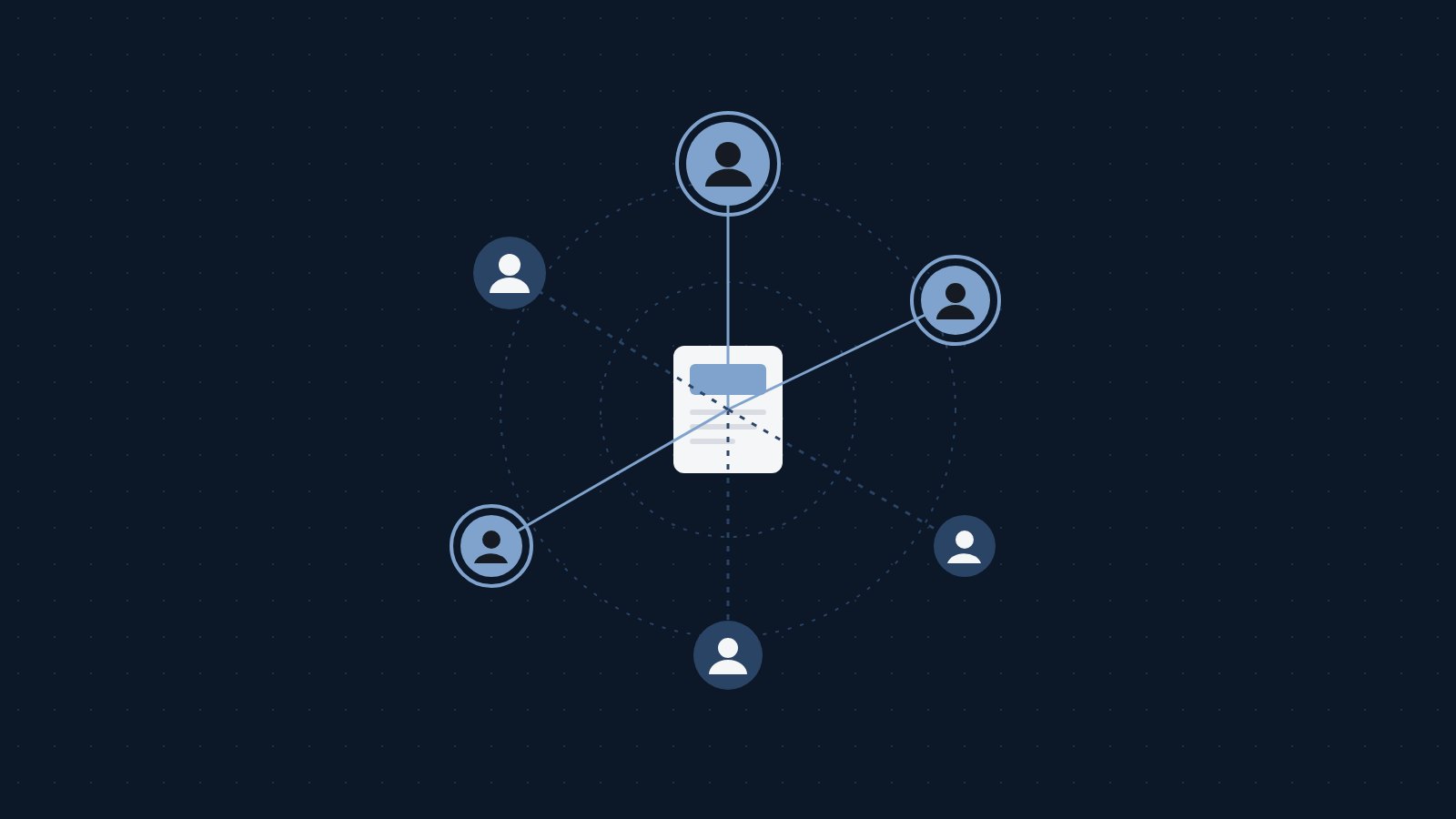
Buying Committee Map. Map everyone who'll weigh in, from finance and legal to the executive who signs. Mark their influence, their stance and whether you've reached them. The tool shows which roles are missing and builds a chapter plan for your proposal.
Executive Summary Builder. Answer eight short prompts and watch a one-page summary build itself. It warns you when the price or the next step is missing, or when the page runs long.
Proposal ROI Calculator. Enter the full cost and the buyer's own benefit numbers, set a confidence level for each and get an expected case and a conservative case. It prints as a CFO page. More on that in selling to a CFO who will never take your meeting.
Cost of Delay Calculator. Show the buyer what each month of waiting costs, using figures they shared. It writes a plain sentence you can paste into your proposal or follow-up.
Before and after you send
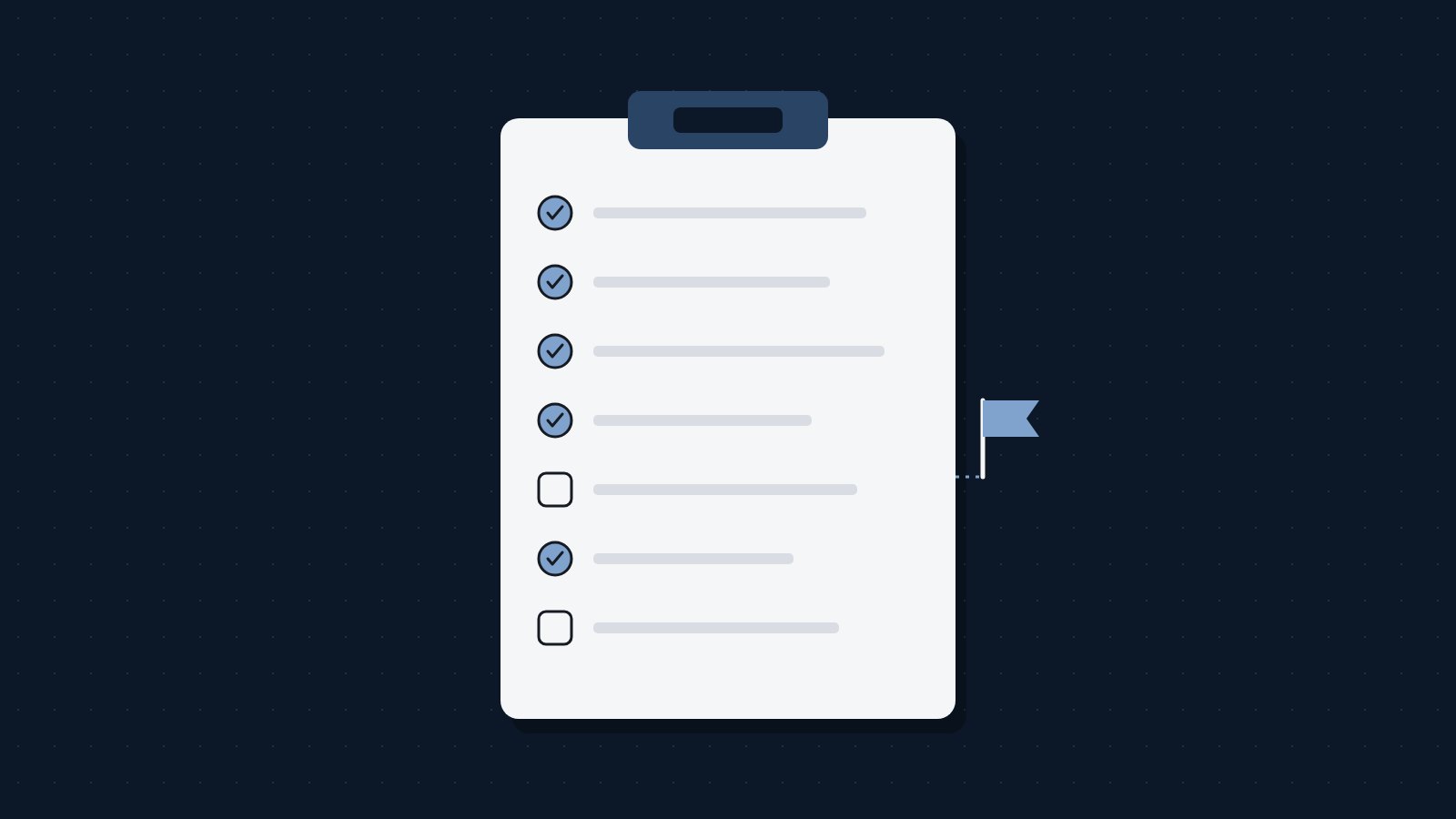
Pre-Send Proposal Checklist. Run through accuracy, readers, pricing, proof, design and next steps before the proposal goes out. Each checklist saves, so you have a record for later.
Mutual Action Plan. Set the buyer's goal date, list the steps on both sides and let the tool fill in due dates backward. It shows the plan as a timeline you can drop into your proposal. See a mutual action plan the buyer will use for how we put one together.
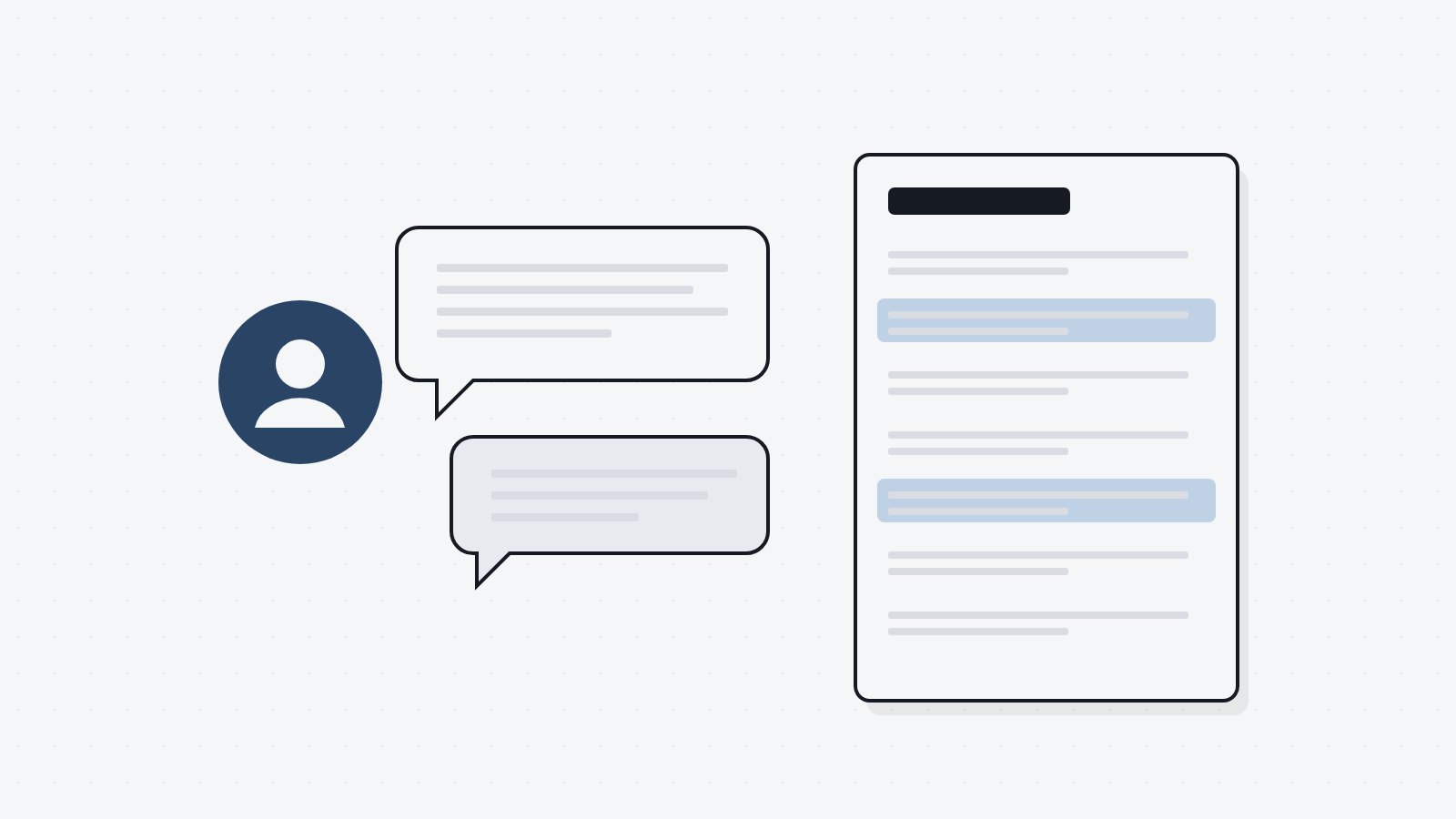
Win/Loss Interview Guide. Pick questions from the bank, take notes during the interview and tag each answer. Over time, the patterns view shows what keeps coming up in your wins and losses.
A use case
Here's how a bid team might use them in a single week. On Monday, a solicitation comes out. The team scores it on the bid/no-bid scorecard and decides to go. They enter the dates into the timeline planner and send the calendar file to everyone. By Tuesday, the compliance matrix has every requirement logged with an owner.
Midweek, the capture lead fills in the buying committee map and finds nobody has spoken with the agency's finance office. The team writes a short section for that reader. On Thursday, they draft the executive summary in the builder and check it against the warnings. Before submitting, someone who wasn't on the bid runs the pre-send checklist and catches a page number that moved.
None of that replaces good writing or good design. It makes sure both are pointed at the right readers.
How saving works
Everything you enter saves in your browser as you go. Come back on the same computer and it's there. To move your work to another computer, download a backup file and restore it there. You can also export most tools to PDF or a spreadsheet to share inside your company.
If you clear your browser data, your saved work goes with it, so download a backup for anything important.
Questions we hear about our free proposal tools
Are the tools free?
Yes. There's no trial, no account and no email form.
Can anyone at Closewell see what I enter?
No. Everything stays in your browser, and nothing is sent to us.
Will you add more tools?
Yes. We add new ones regularly, and the newest ones are marked on the resources page.
What if we want the whole proposal built?
That's what we do. Our builds take the same thinking and turn it into a live web proposal and a matching PDF, written and designed for one deal. See how we work.
The short version
We put the tools we use on every proposal online for free. There are 11 of them, covering whether to bid, who'll read it, what it's worth, what to check before sending and what to learn after. They save your work, keep your data on your computer and never ask for an email.
Open the resources page and start with whichever one fits the deal on your desk.